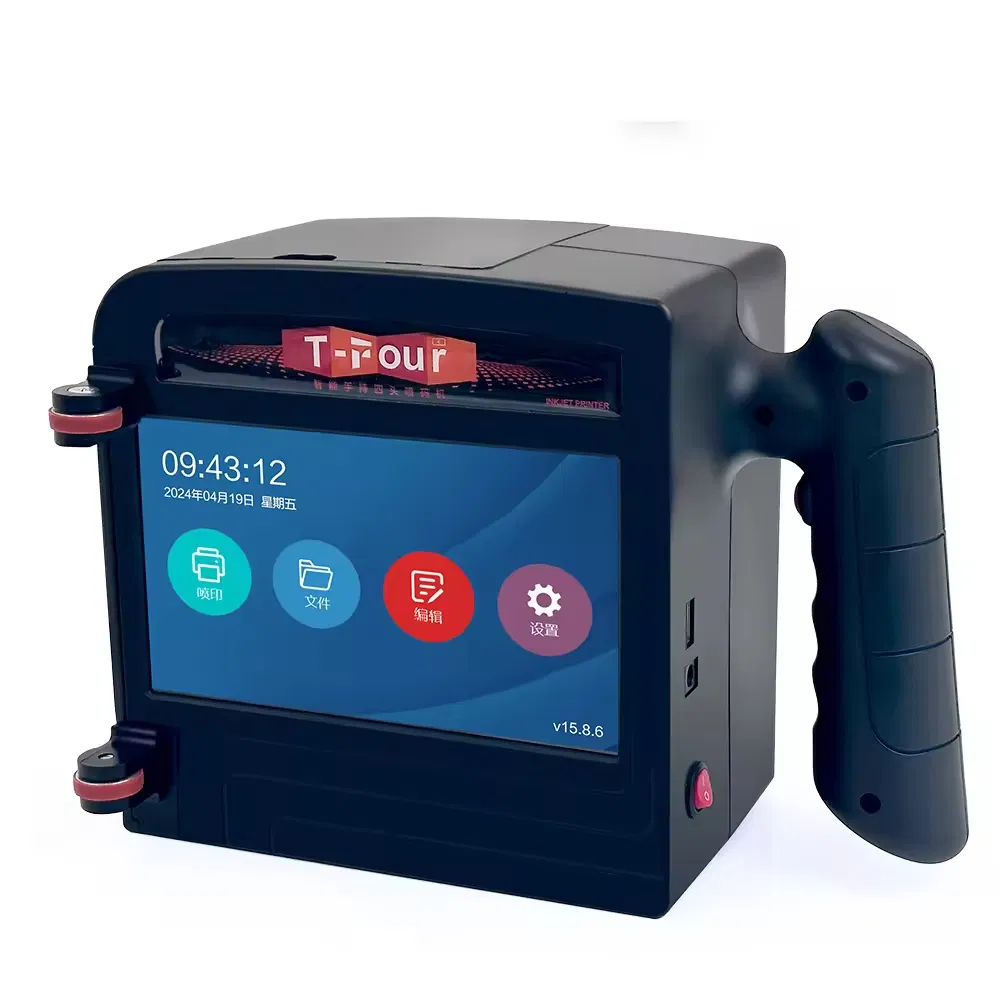
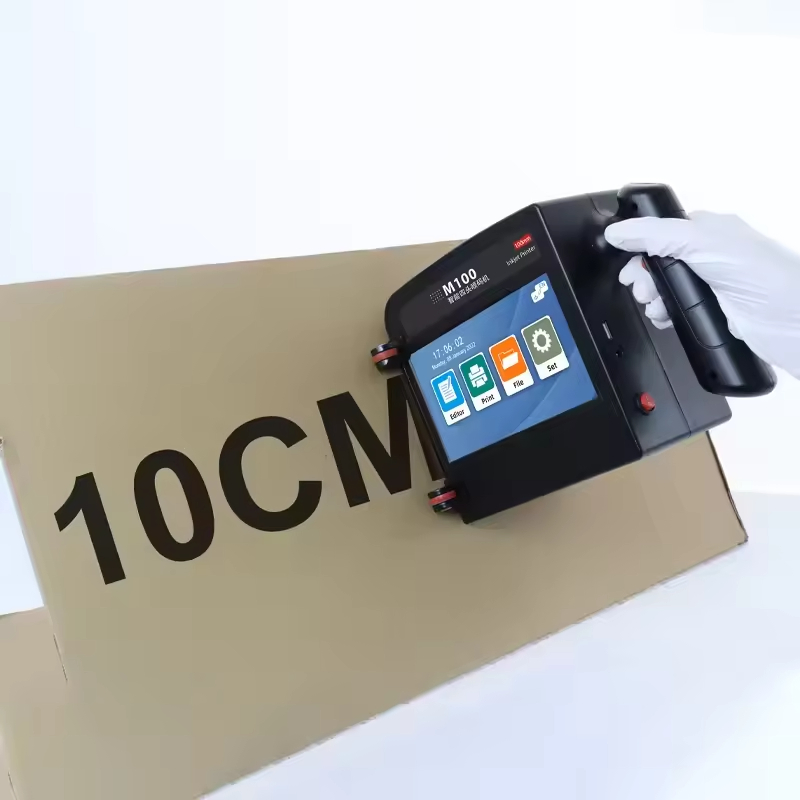
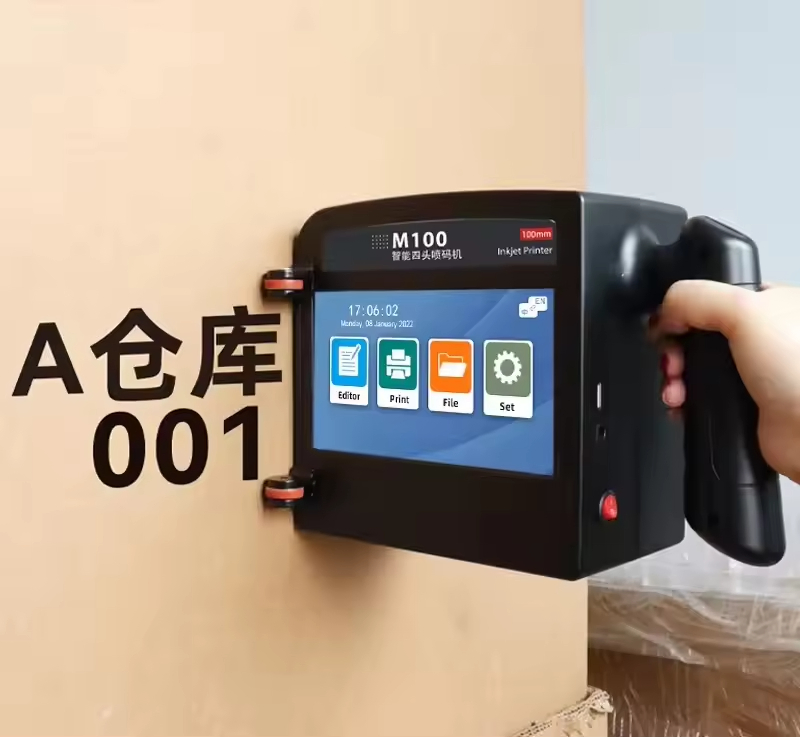
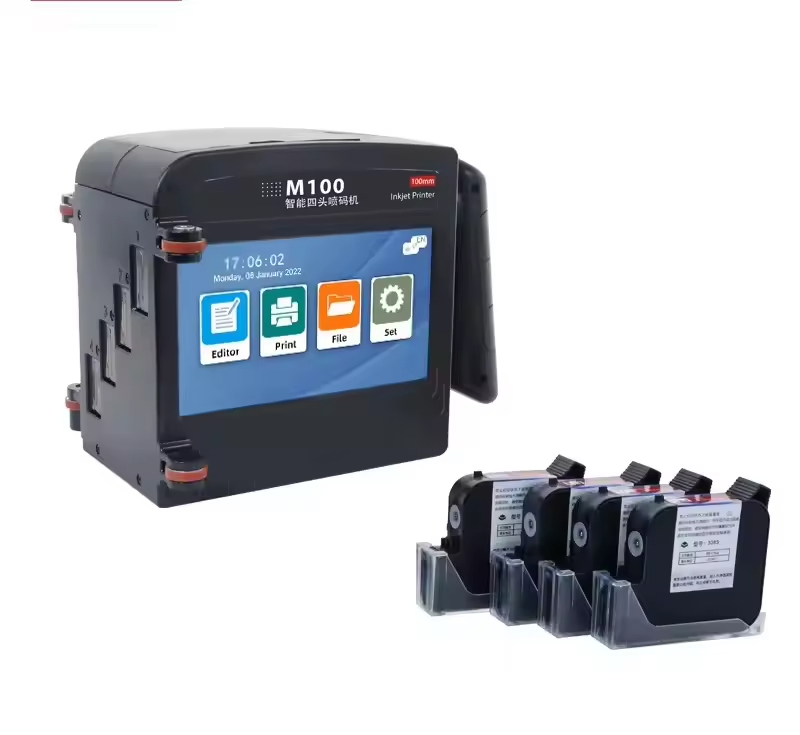
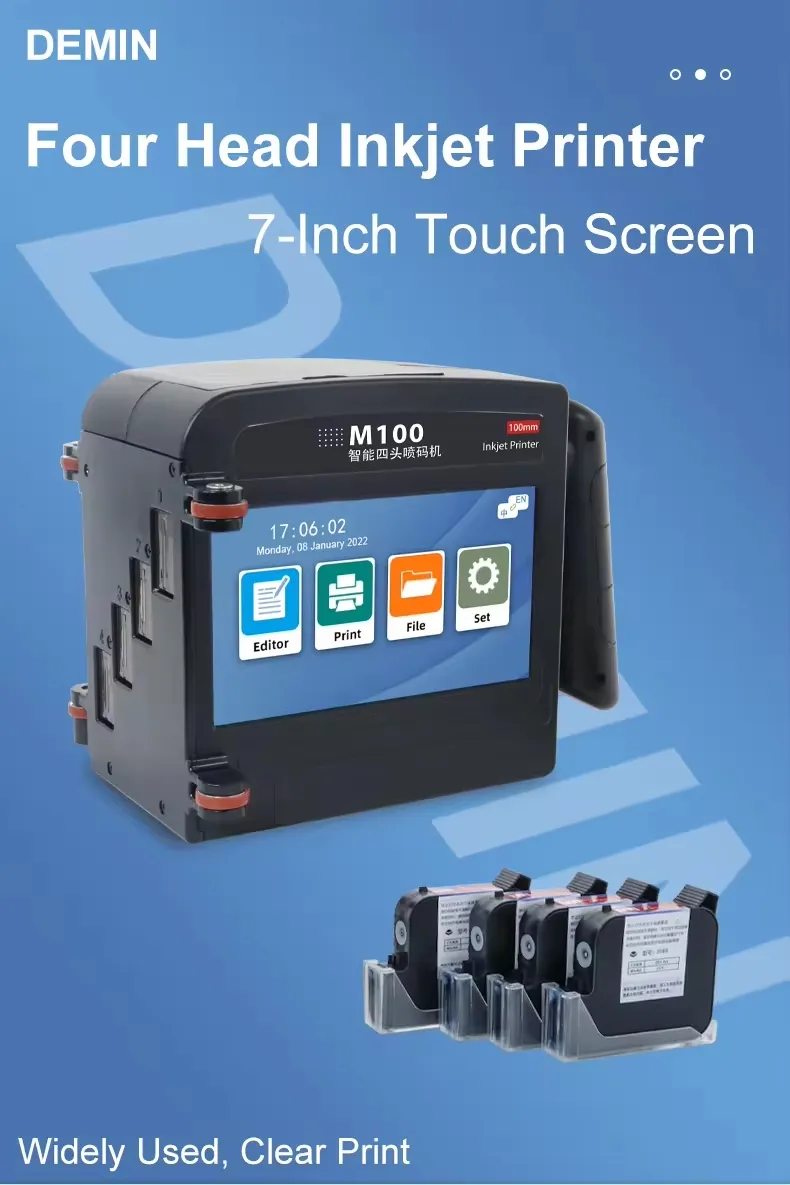
M100 10cm Portable Intelligent Mini Handheld Inkjet Printer All Surface Thermal Expiry Date Logo Laser Inkjet

Still deciding? Get samples of $ !
Order Sample

Product Description

i

Basic Information

Model NO.
M100
Type
Ink Coding Machine
Usage
Daily Industrial
Automatic Grade
Semi-Automatic
Technology
Thermal Inkjet Technology
Working Patterns
Mobile
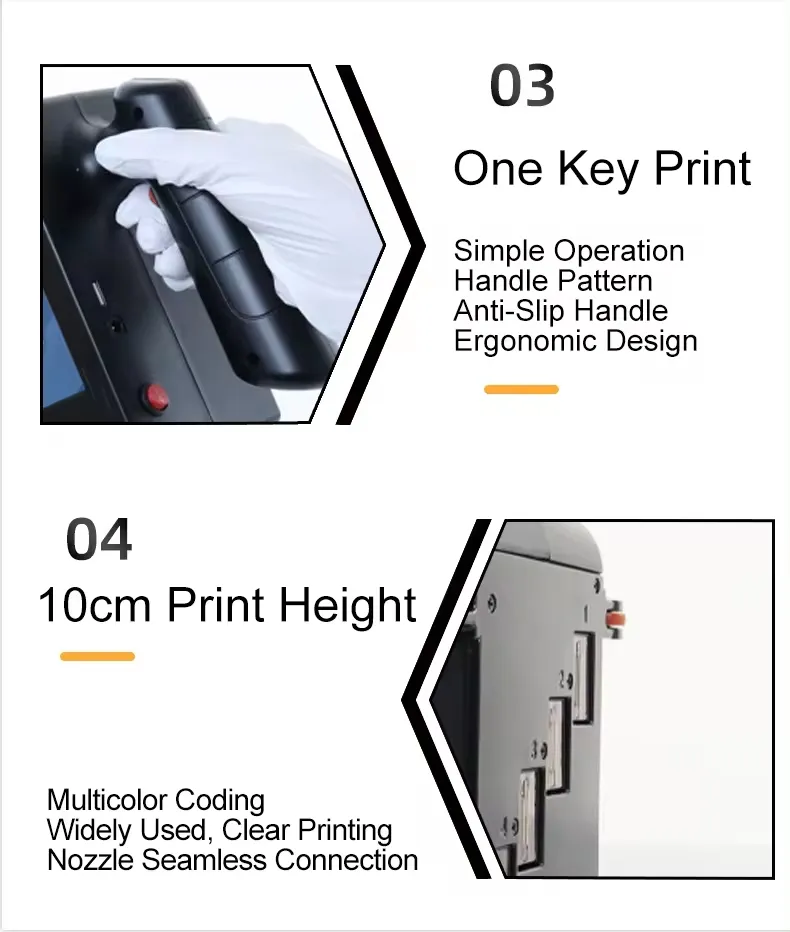
Print Height
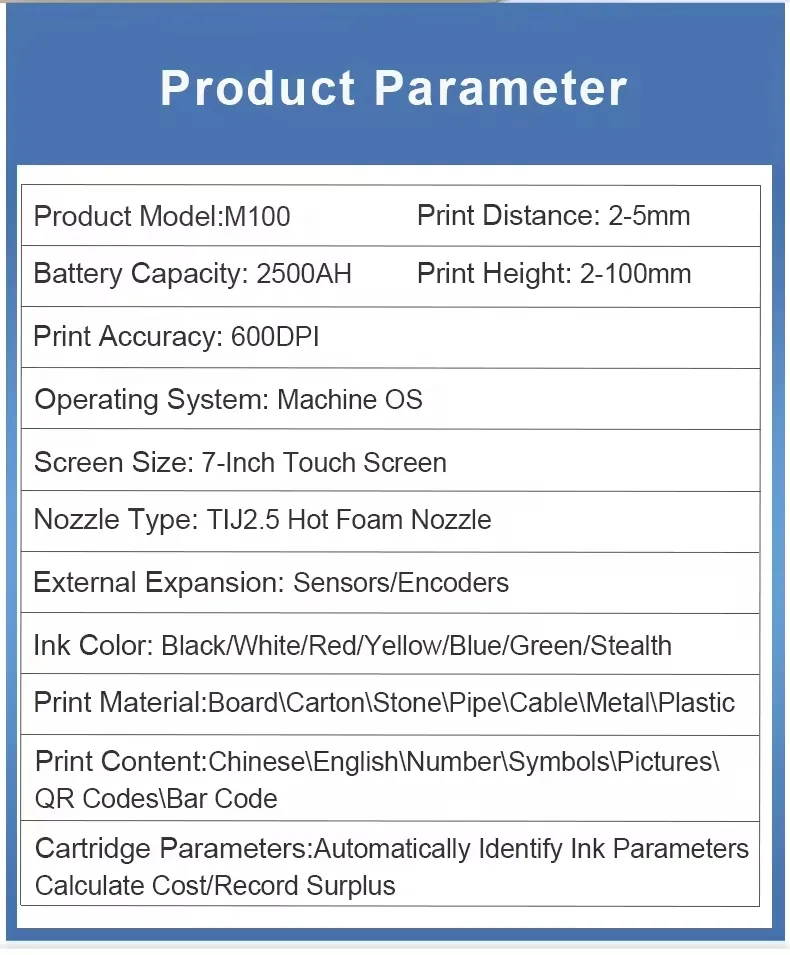
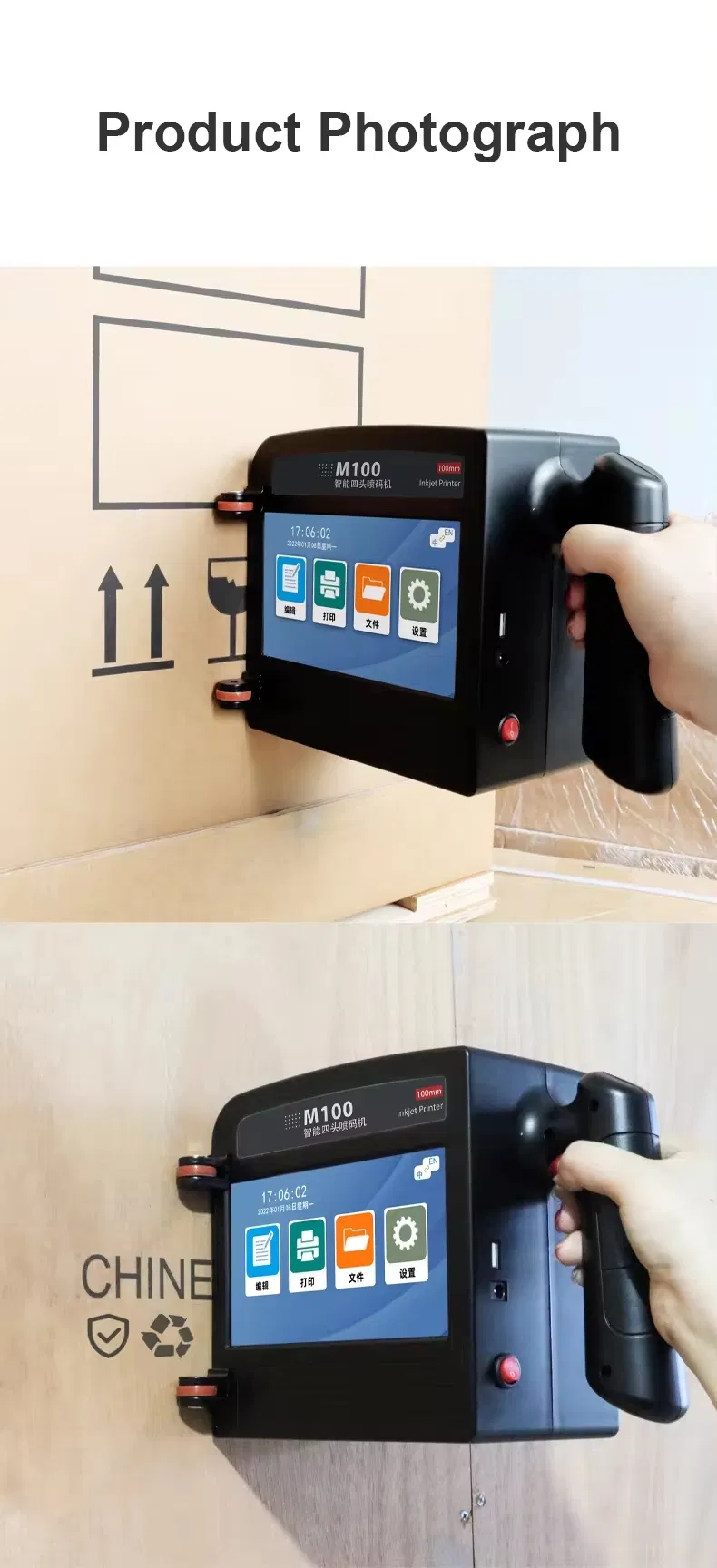
2-100mm
Printing Content
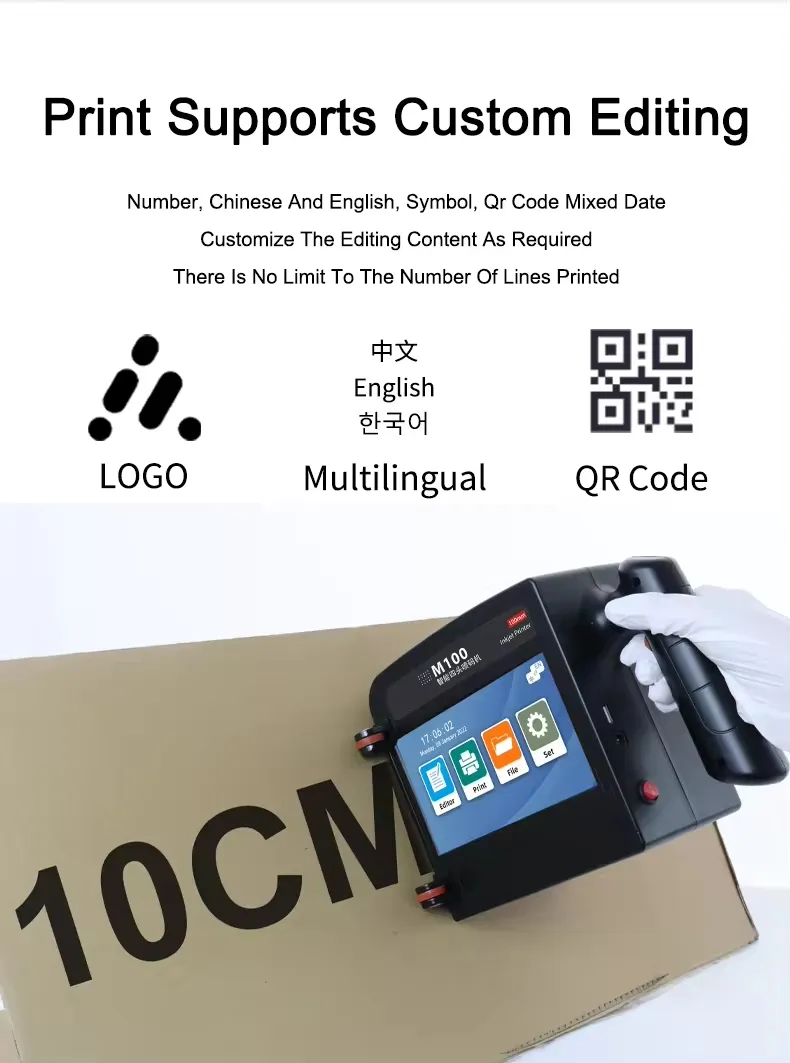
Text/Date/Picture/Barcode/GS1code/Qrcode/Counter
Ink Colors
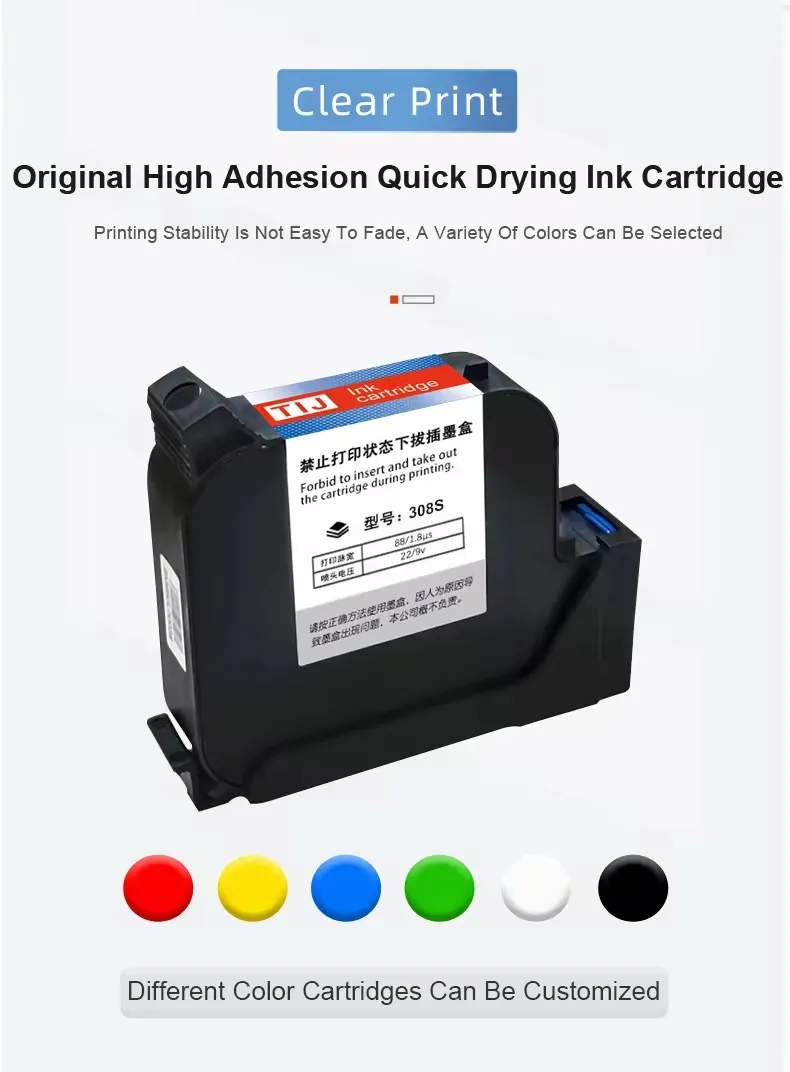
Black, White, Red, Blue, Yellow, Green, Invisible
Language
Multi-Languages
Printing Material
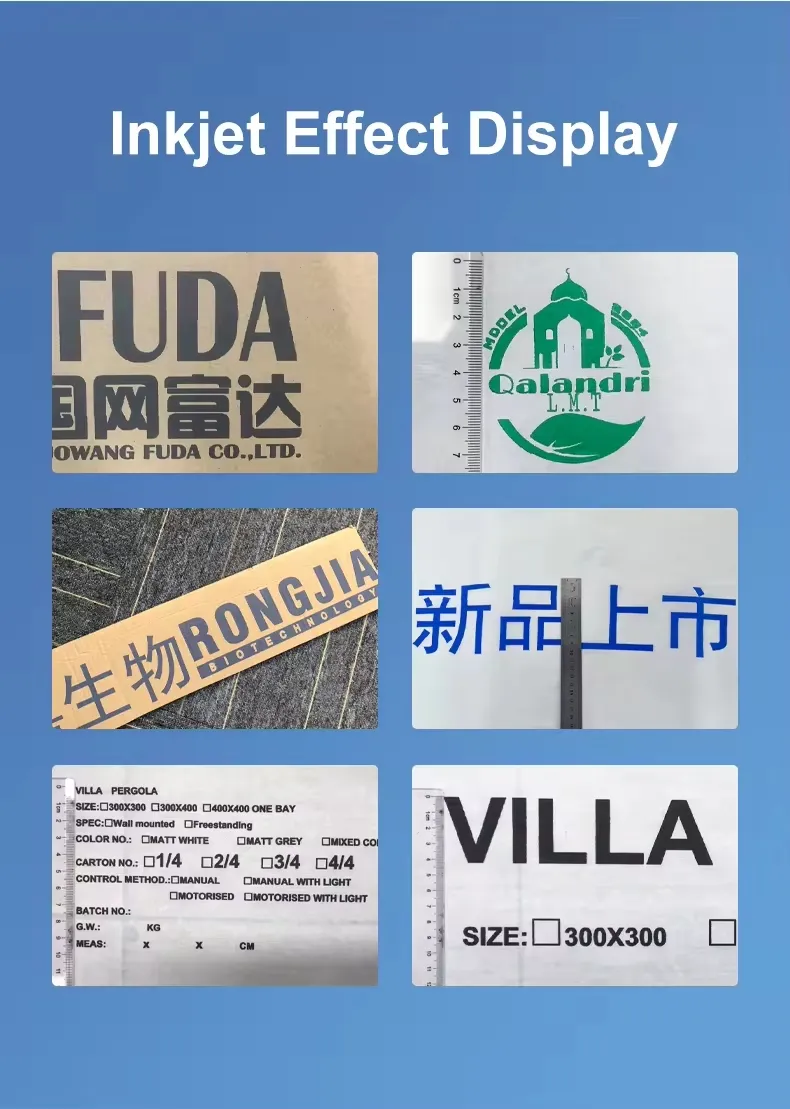
Metal, Carton, Paper, Plastic Bag
Package Size
32.00cm * 30.00cm * 20.00cm
Gross Weight
3.850kg
Supplies
Ink
P

Product Description

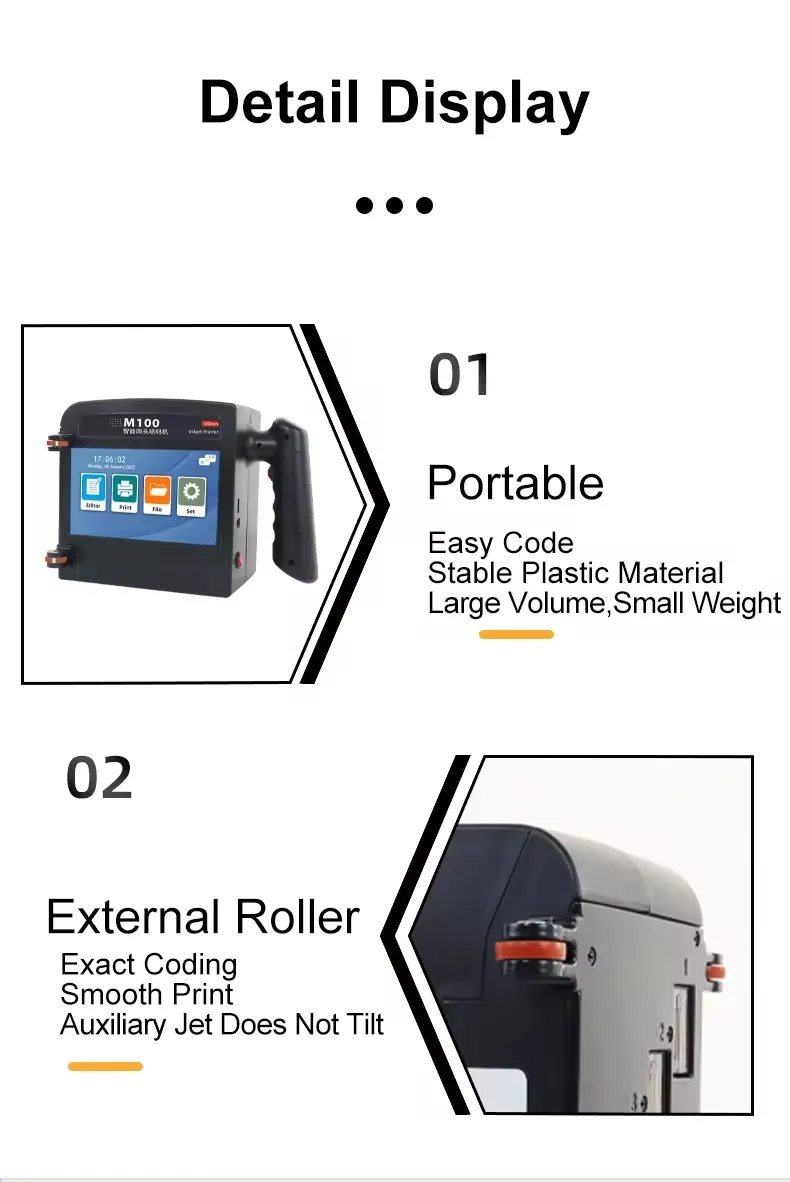
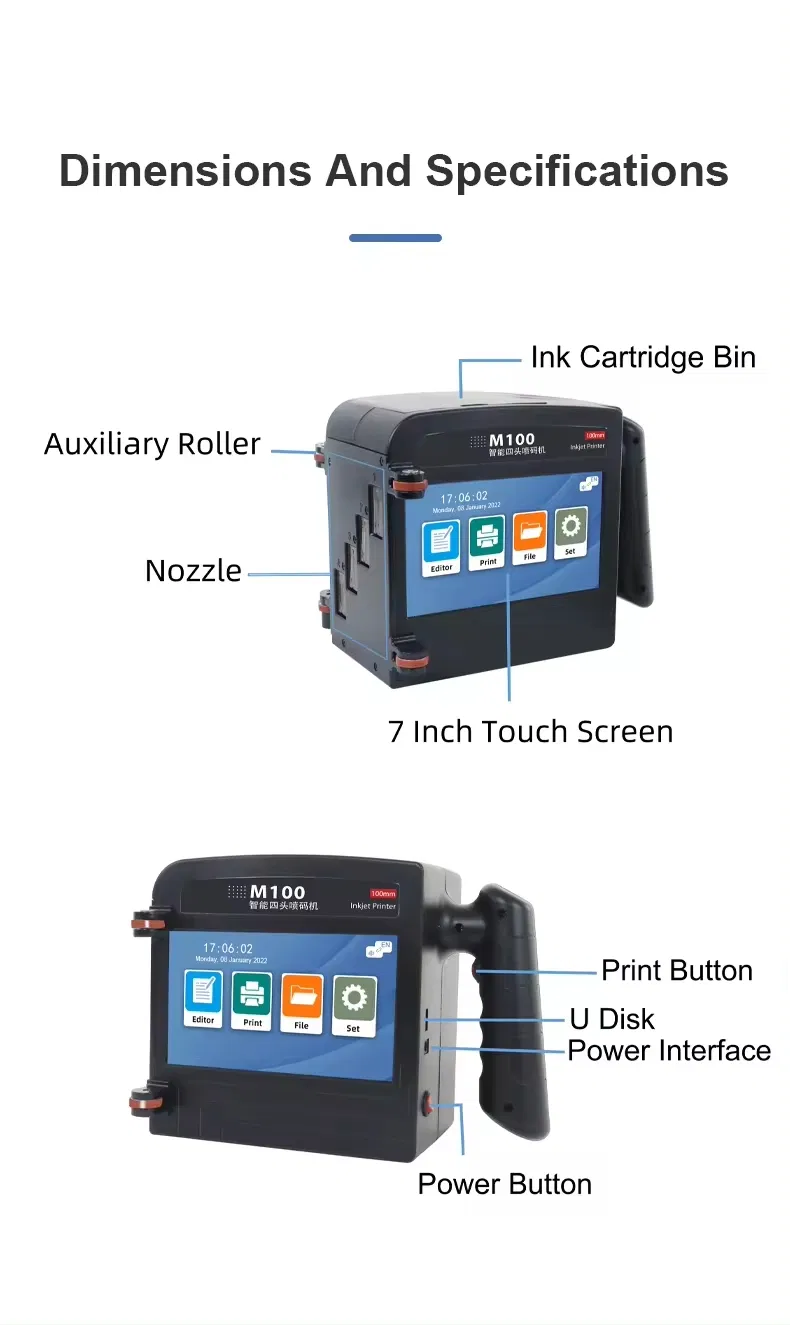
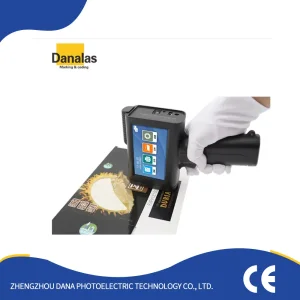
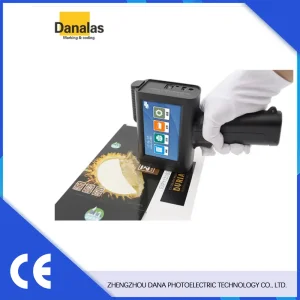
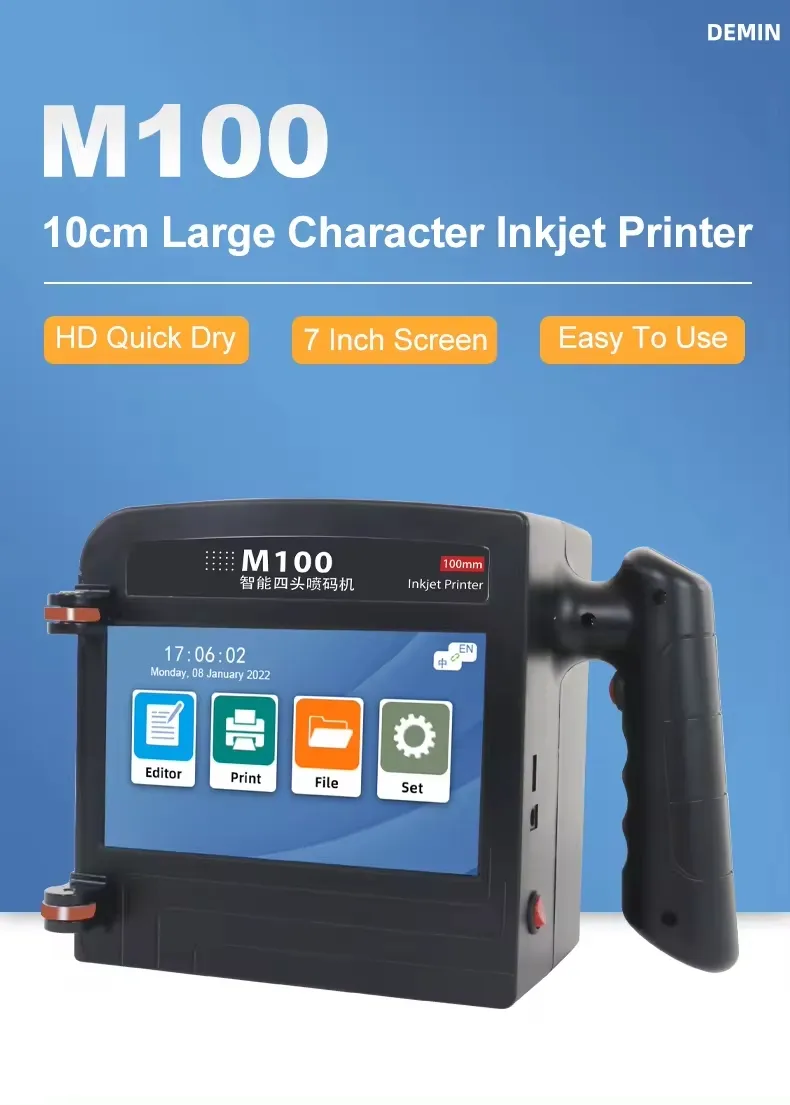
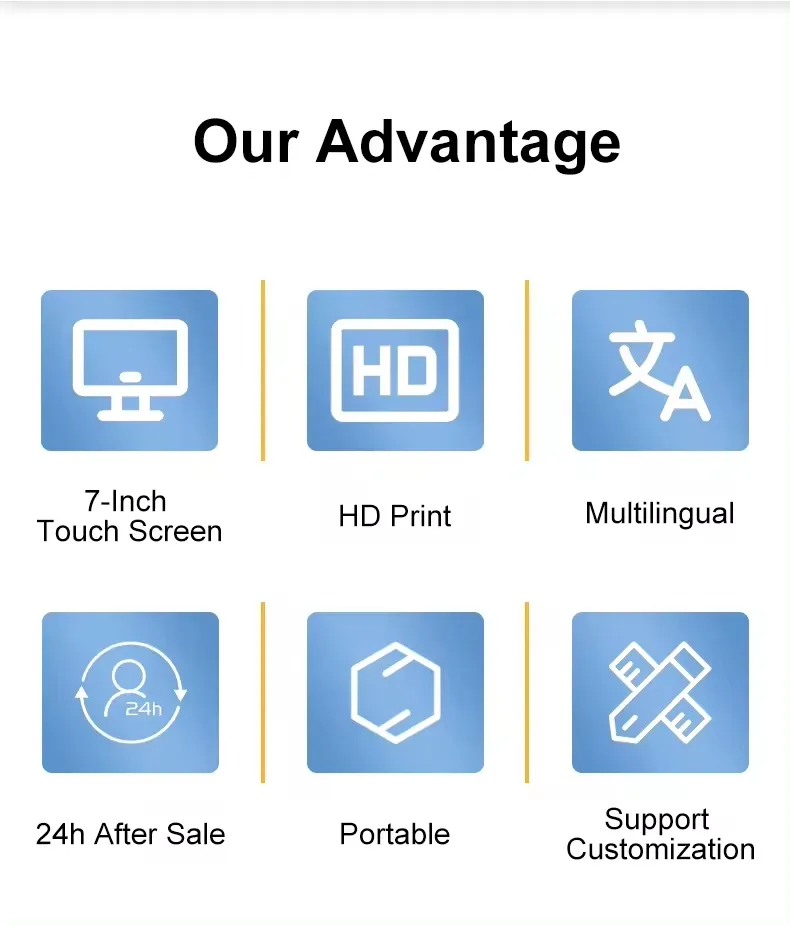
The M100 is a 10cm portable intelligent mini handheld inkjet printer designed for versatile marking on all surfaces. Utilizing thermal inkjet technology, it supports high-resolution printing of logos, expiry dates, and codes with ease.
M

Detailed Photos

?

Frequently Asked Questions

How to better extend the life of the printer?
Before installing and removing ink cartridges, be sure to turn off the printer.
How to better protect the ink cartridge nozzle?
When not using ink cartridges, please close the protective cover in time. Dip a soft paper towel with a small amount of alcohol before using, and then gently wipe the nozzle in one direction.
Can the printer be equipped with photoelectric sensors?
Yes, our inkjet printer has an adapted photoelectric sensor. Please consult customer service for configuration.
Can the printer print on the bottle?
Yes, it is designed for printing on various surfaces including metal, plastic, and glass bottles.
What should I do if the printer cannot print?
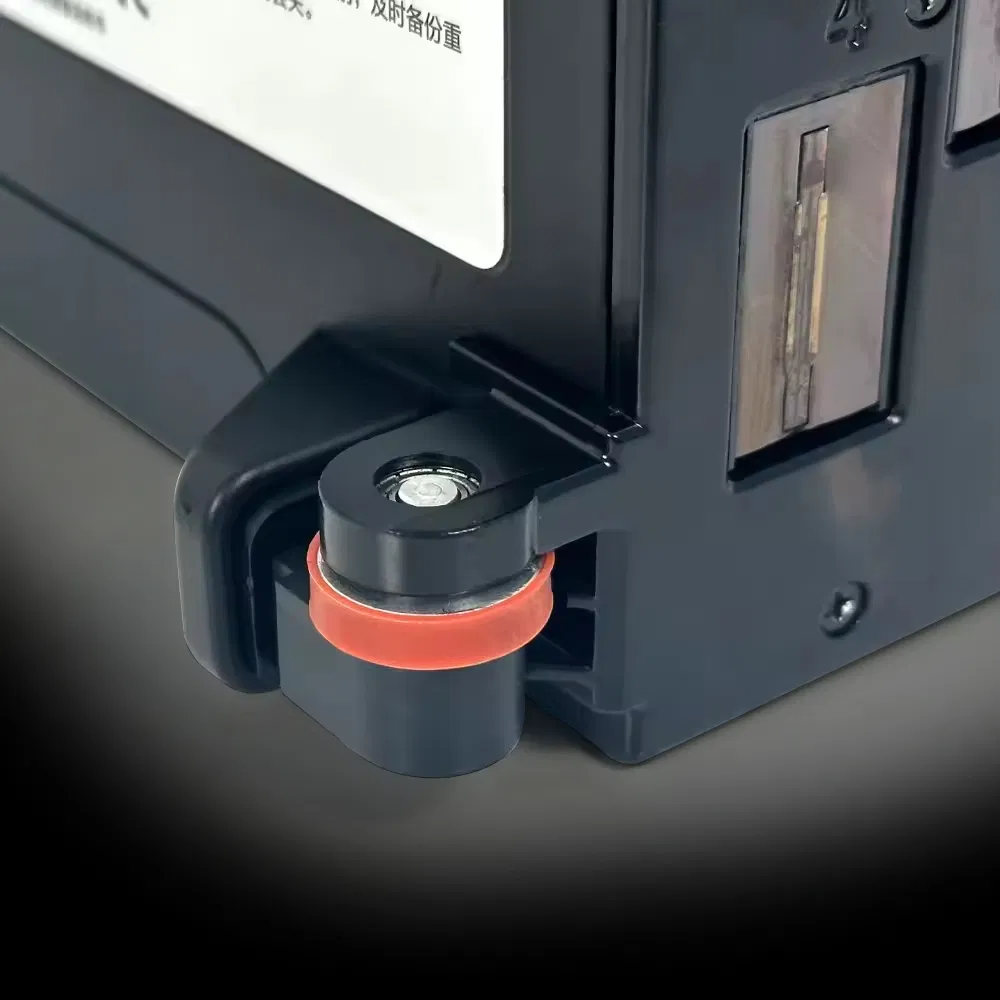
Check whether the rubber ring on the left side of the printer is off. Check if the ink cartridge is installed properly. Try switching the nozzle in the settings or reinstalling the cartridge after turning off the power.
The printing is not clear, what should I do?
Check whether the ink cartridge nozzle is clean and dry. Wipe the nozzle carefully with a clean soft tissue. Shake the cartridge several times while the printer is off and reinstall.

Related Products